
Technical UI Design, UI/UX Design, Technical Art.
O.U.T.T.
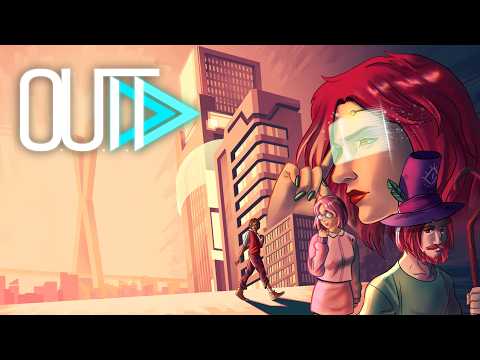
O.U.T.T. is a Turn-Based Adventure game with a deeply mysterious narrative and challenging puzzles. A Demo is out and the launch is incoming for PC via Steam.

I have known the project long before I started working on it at Ilex Games. When I arrived on a later stage, OUTT had its beautiful aesthetics already developed and most of its systems in place.
My goal here was to help polish the overall User Experience and lend a hand on Technical Art / UI tasks on unity.
UX - User Experience
I had the opportunity to participate in playtests on Gamescom Latam and Gamescom Cologne in the year of 2025, where we did qualitative usability testing, analysing player engagement and frustration points. Reviews on the Steam Demo and reddit comments on our posts were also information sources taken into account.
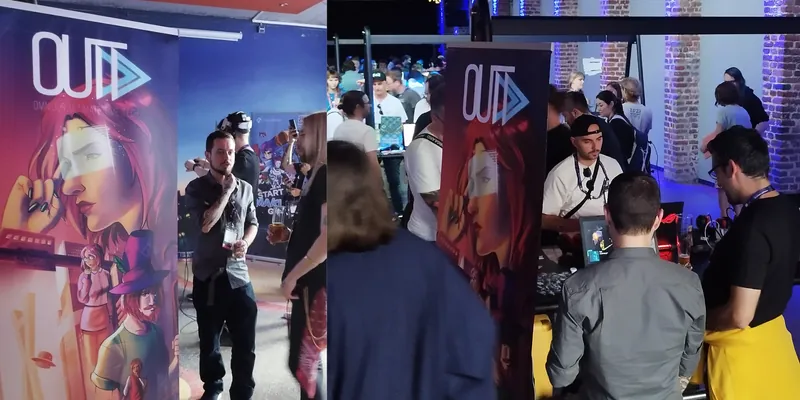
Based on the information collected, I proposed and/or implemented solutions to increase readability, facilitate onboarding, make game state clearer and turn input controls more intuitive.
For better readability on screen, I proposed color adjustments for a clearer information hierarchy, with less noise and more contrast between backgrounds and interactables. I discussed the matter with the Studio's Art Director and the project's Art Director, who tuned the final values for lighting, materials and post-processing on Unity.
Those are before and after images of water and fire levels.
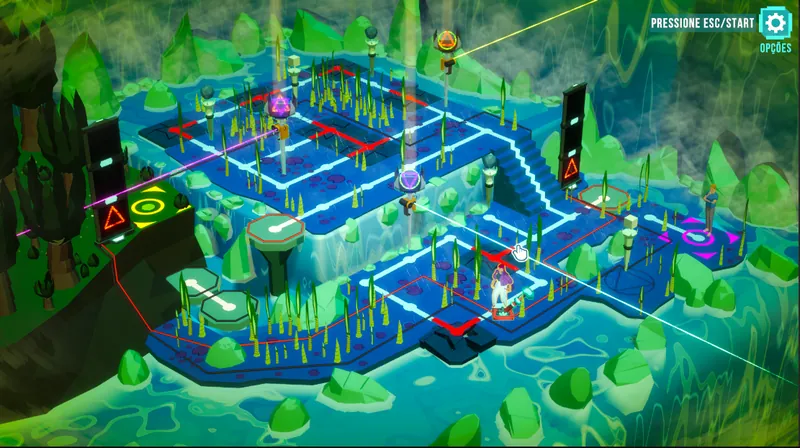
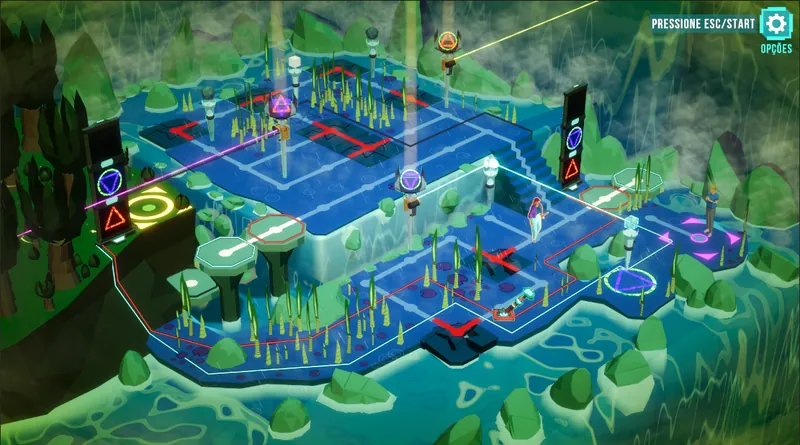
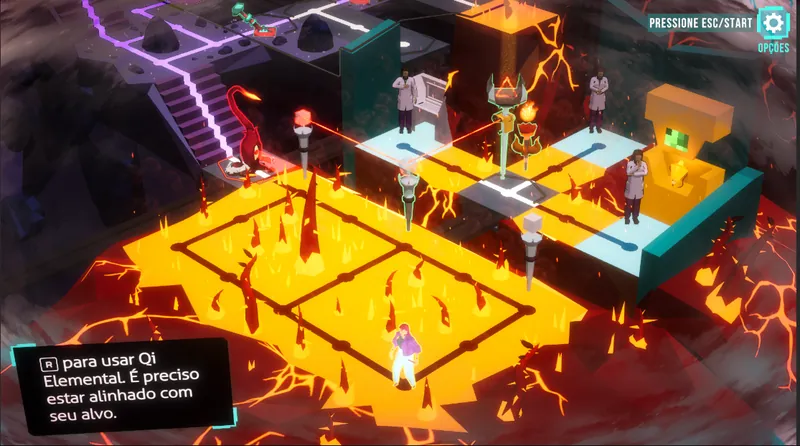
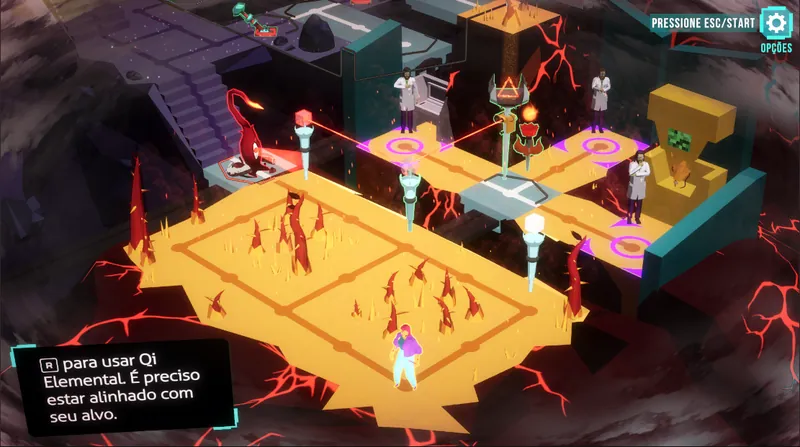
A relevant friction point observed in the tests was related to the movement controls, specially on game pad controllers.
The game movement is “tank-mode”, meaning that left-right and forward movement are relative to the character's direction. In that schema, pressing forward moves the character into the direction he is looking, where pressing right or left turns the character 90 degrees clockwise or counter-clockwise respectively.
This schema was working well on keyboards and on the D-Pad, but on the Left analog it was confusing a lot of players. Especially because often the first input someone does on a gamepad controller is to move his character with Left Analog, expecting to point to absolute directions.
Player opinions were divided on relativistic (tank-mode) vs absolute movement (pointing directly to the direction), both preferences were widely present, so choosing one was a hard decision.
My proposed solution for that matter was to implement absolute movement on the Left Analog, where pointing to a direction turns and moves the character that way. D-Pad continued to be tank-mode, so we kept both movement modes in the same control schema, and where they fit better. On keyboards we implemented relativistic motion on WASD and absolute on arrow keys, also keeping both schemas.
This and a few other tweaks on the controls contributed for an overall friction reduction and improved user experience.
Technical UI
I have improved existing and/or implemented UI elements and screens for better visual feedback and information readability.
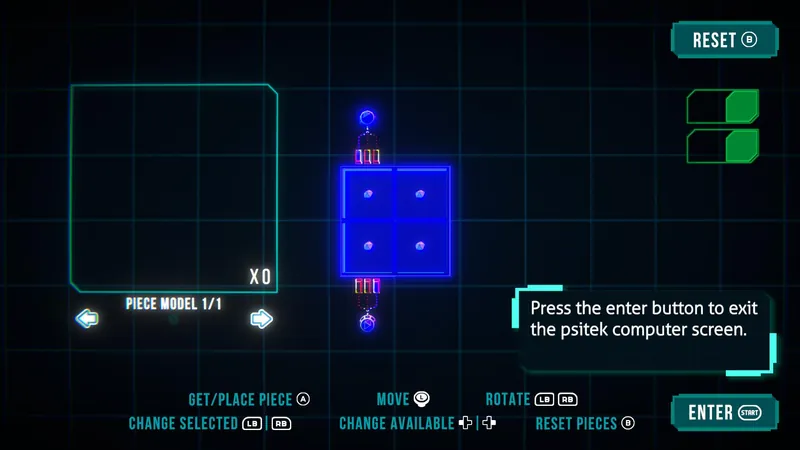
The psytech puzzle is an example of interaction where friction was noticeable, its complexity made onboarding challenging, its lack of visual cues made understanding the game state harder and decision making into trial and error.
I made a layout update with clearer input cues, new tutorial panels and a new set of toggles to show game state changes.
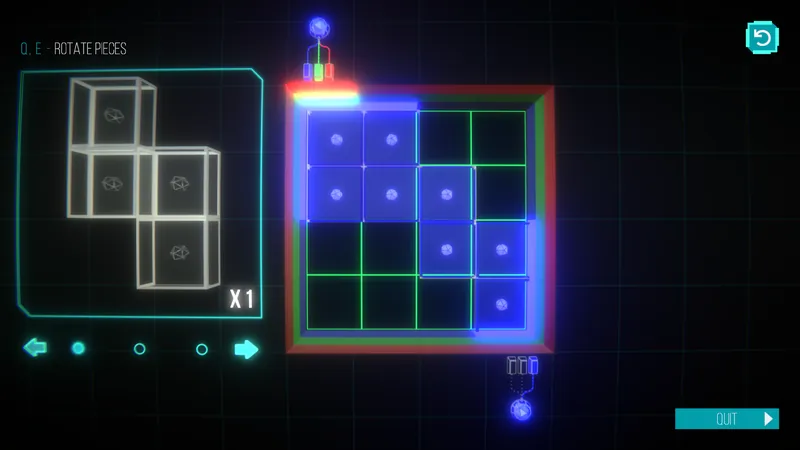
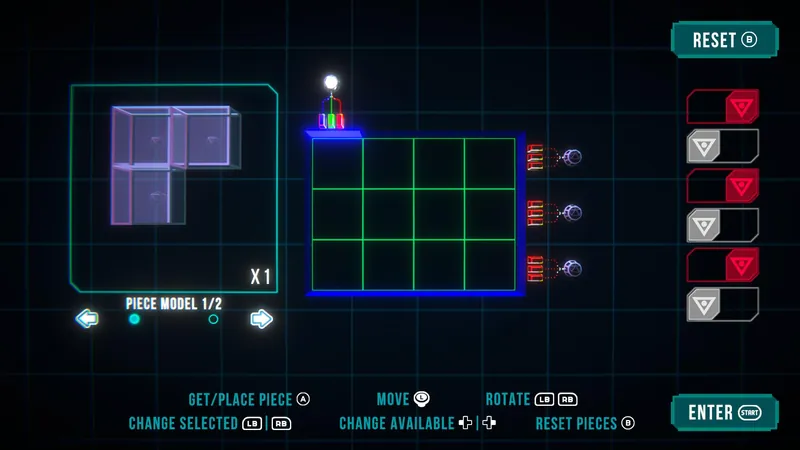
A complexity issue players were having trouble with was the fact that the puzzle did not have a single solution, rather it had different possible output responses which affected interactables on the map, like toggling doors and traps on and off. Players had no visual cue to reflect what's been changing on the map, and had to minimize the puzzle. The screen was too crowded to fit the map and puzzle together, even with a minimap, so I came up with those on/off switches on the right side of the screen, each connected to an interactable on the map that can be triggered on/off via the puzzle.
Other minimalistic tutorial panels were implemented in the game for smoother onboarding.
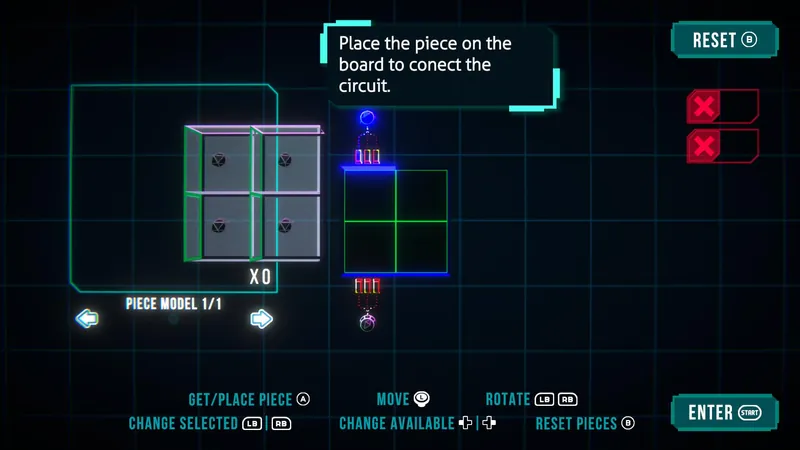
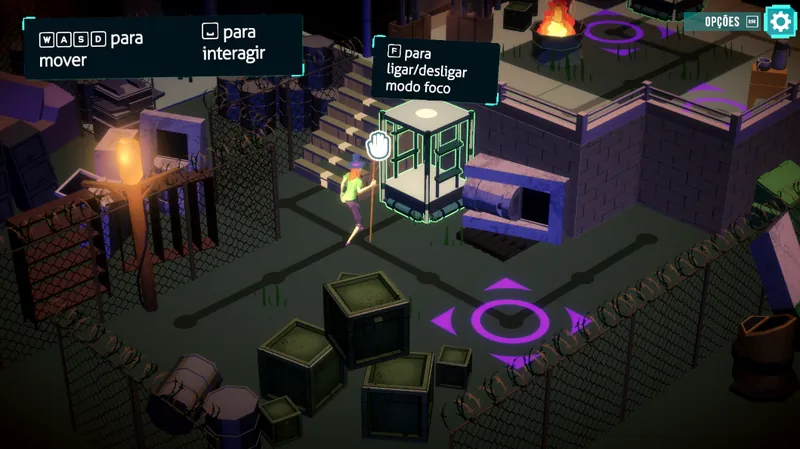
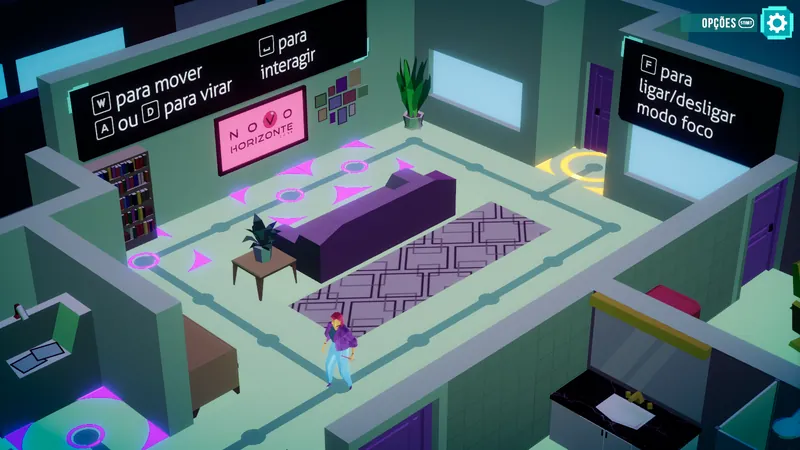
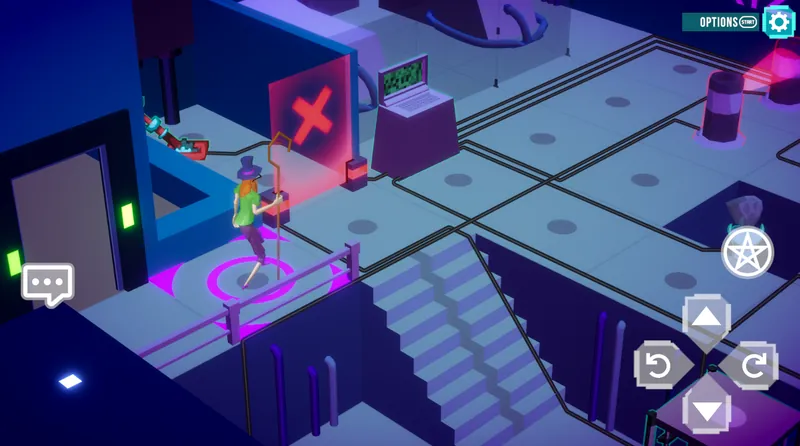
The game had touch screen support, so I improved the touch controls layout, re-designed some icons and implemented some polish stage functionality.
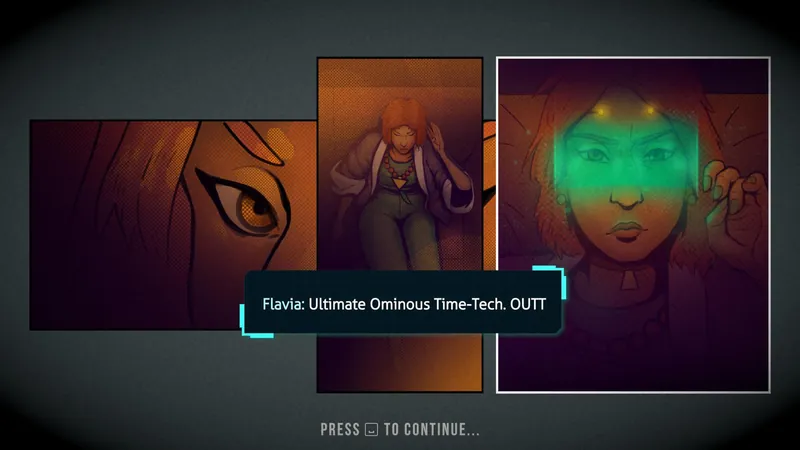
I have also helped with the implementation and motion design of the comic-style cutscenes using Unity Animator, Timeline and Yarn Spinner.
Other Collaborations
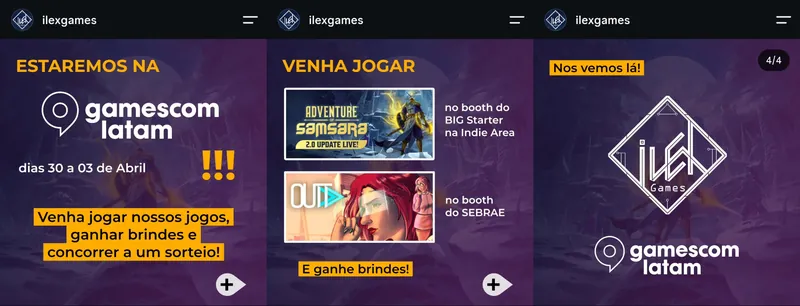
I have also collaborated with the marketing / communication of the project by capturing content (screenshots and videos), editing videos and gifs, creating pitch presentations, creating social media posts, managing the Steam Store and Steam Events schedule and submissions.
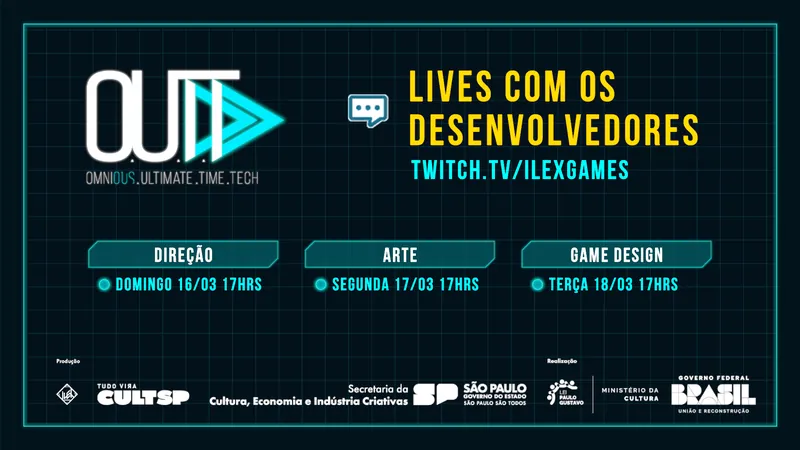
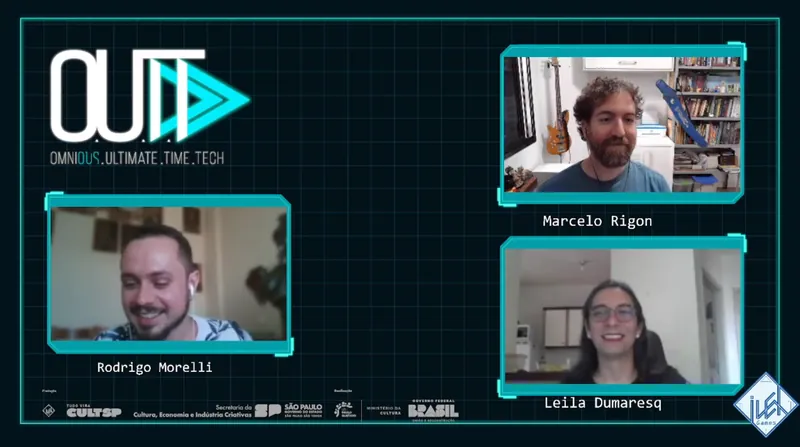
I organized and hosted a series of “Lives with the Developers” on Ilex Youtube Channel.
I was also responsible for dealing with contractors in the creation of our trailers, collaborating with their art team and the project's Art Director to ideate and ensure brand consistency, the videos can also be found on the Ilex Youtube channel.

Conclusion
Even though I was not on the OUTT team from the start, arriving on a later stage had its benefits. I had the challenge to assimilate a project already full of systems and defined aesthetics. I had the opportunity to contribute with a fresh pair of eyes and an extra pair of hands.
A shout out to the fellow developers I've worked with at Ilex Games and at O.U.T.T.!